SchoolsEMS
How to access the GCCschools systems
To access SchoolsEMS go to https://educnet.gloucestershire.gov.uk/gccschools.
Log in using your GCCschools username and password (this is different from your Schoolsnet username and password).
Tip: If you're experiencing any problems, please contact the Educnet Support Team at educnetsupport@gloucestershire.gov.uk.
What you have access to when you log in will depend on whether you have bought the service.
Intake, leaving or in year applications
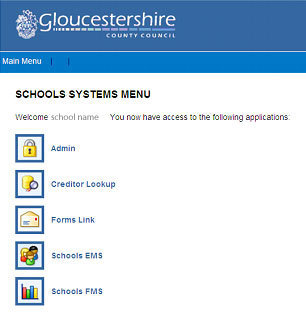
When logged in select the Schools EMS button for intake, leaving or in year applications, depending on the type of school.
What you will see when you have logged in
These are the systems you will find on GCCschools.